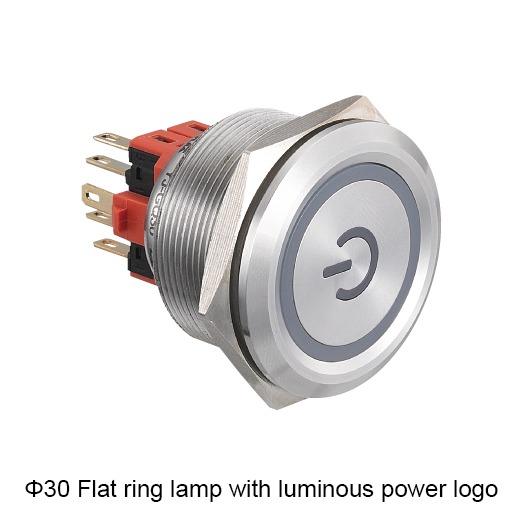
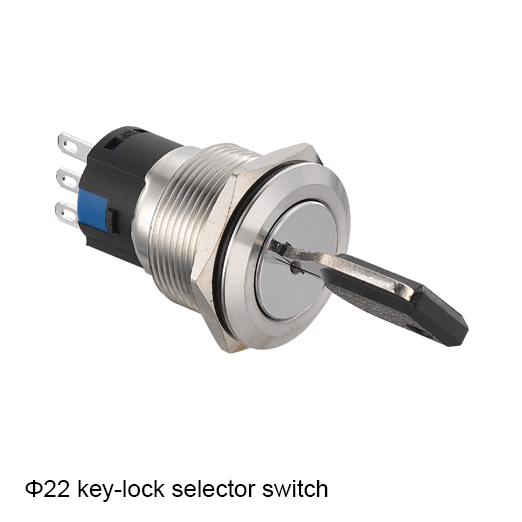
Concept illustration. Use the exact model documents for product details and installation.
Select automation panel push buttons and indicators by turning each operating function and status signal into a component requirement. Define the action, contacts, supply and mounting conditions for each position, then review the resulting BOM against the control design before selecting complete model codes.
Turn the Panel Function List into a Component Specification
Separate Operator Commands from Status Indication
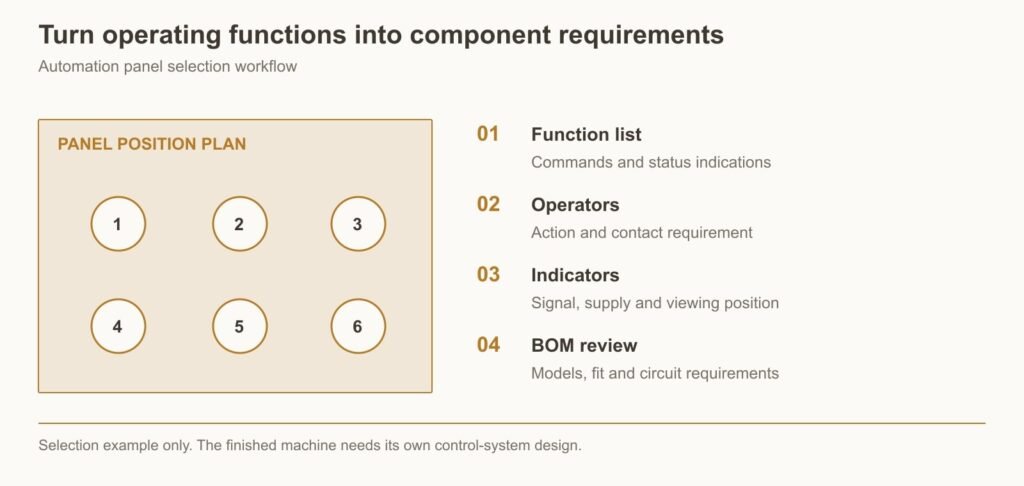
Create a function list before selecting attractive operators. Separate inputs made by the person from status information returned by the equipment. A command button asks the control system to do something; an indicator tells the person what a defined signal means.
Record the function, action, contacts or supply, label and mounting requirement for every panel position. This produces a component specification that purchasing can use. It also reveals when two visually similar positions need different electrical configurations.
Give each position a unique tag and a plain-language function. For example, identify the cycle-request button separately from the signal that confirms the equipment is ready. Keep the same tags in the schematic, panel layout and BOM. This lets different people discuss the same component without relying on a color or approximate location.
Begin with the operator’s task. What action is required, what response should be visible and what should happen if the request cannot be accepted? These questions help determine whether a position needs a momentary button, maintained selector, indicator or another interface. They also expose functions that belong in controller logic rather than in the physical operator. The result is a defined control interface that can be translated into components systematically.
An Automation Panel Selection Example
Define the Example Operating Functions and Supply Conditions
Selection example: consider an indoor automation panel with a 24 V DC control supply, two ordinary command inputs and two separate status outputs. The intended functions are cycle request, acknowledgement, ready and fault. Assume the equipment designer provides suitable input and output channels; this example does not define their circuitry or certify component compatibility.
The example excludes emergency stopping, energy isolation and other safety functions. Those require their own design. Its purpose is to show how an ordinary function list becomes a component shortlist and then an approved BOM.
For this example, treat the 24 V DC supply as an assumption that narrows the discussion, not as proof that every 24 V device is compatible. The actual input and output modules must still support the selected contacts and indicator loads. The panel drawing must also provide suitable openings and space for the complete assemblies.
Define the four functions in more detail. Cycle request asks the controller to begin an allowed sequence. Acknowledgement records that the operator has recognized a message. Ready represents the conditions that permit a new cycle, and fault represents a defined unresolved condition. Those meanings prevent the component shortlist from being driven solely by familiar labels. They also establish what commissioning must observe when the completed panel is tested.
Assign Required Actions and Contacts to Each Operator
Cycle request and acknowledgement each require a brief operator action in this example, so momentary controls are candidates. Define a normally open contact function for each only if it matches the designer’s input circuit. Check the contact’s minimum-load suitability against the actual input module before approving a model.
Specify clear legends and distinguish the two commands by position and identification. If one function later becomes a retained mode selection, review the operator action and control logic together instead of changing only the label.
Specify the duration and interpretation of each command. A momentary cycle request may be processed as a single event, while a held contact should be handled according to the machine design. Acknowledgement should not be assumed to clear the underlying fault or restart the equipment. Its intended effect needs to be described separately from the physical button action.
Check the exact input circuit before choosing NO or NC functions. Record voltage, current and the required normal state. For a low-current input, compare the contact system with the module’s signal requirements rather than accepting a high maximum current rating as sufficient. Once the electrical choice is supported, review button placement and labels so the operator can make the intended command without confusing it with a nearby function.
Match Indicators to the Status Signals and Viewing Positions
Ready and fault need signals that represent those conditions. The assumed 24 V DC supply narrows the lamp requirement, but the selected output must still be suitable for the indicator load. Check normal and off states during commissioning, including any unintended glow.
Choose labels and colors according to the equipment’s operating scheme. Review them at the normal viewing position. A fault indication should remain understandable after acknowledgement; if sound is added, its silence behavior can be different from the visual fault state.
Create a small indication schedule for the example. Record the source and meaning of ready and fault, and describe what each light should do during startup, ordinary operation and acknowledgement. If a fault remains active after acknowledgement, its visual indication should continue according to the defined sequence even if an accompanying sound is silenced.
Evaluate the lamps in the intended panel position. Ambient light, viewing angle and adjacent indicators can affect recognition. The electrical review should include the output’s load capability and off-state behavior. A light that remains faintly visible when commanded off may be a circuit compatibility issue rather than a defective lens. Keeping the electrical and visual observations separate helps commissioning staff identify the actual cause of an unexpected indication.
Check the BOM Against the Panel Layout and Model Documents
The initial BOM has four functional lines: cycle-request operator, acknowledgement operator, ready indicator and fault indicator. Add mounting parts, contact or lamp components, legends and any required accessories. Replace each functional description with a complete code only after the electrical and mechanical reviews.
Check the panel opening, head spacing, rear assembly and terminal access for each item. Record the approved drawings and sample result with the BOM. The result should tell assembly staff exactly which parts belong at which positions, without asking them to infer the machine logic.
Build the BOM in two passes. In the first pass, retain functional descriptions so reviewers can confirm that the four positions cover the required interface. In the second, add the complete approved component references and all parts needed to install them. A modular operator may require a head, fixing arrangement and contact components; an indicator may have its own mounting and supply details.
Check each BOM line against both the schematic and panel layout. The electrical document establishes function, while the layout establishes fit and access. Include the actual termination and nearby cable ducts in the rear-space review. This prevents a component list that is electrically correct but difficult to assemble. Retain the sample and drawing revisions so future orders repeat the accepted configuration rather than a shortened family description.
Example position
Required function
Approval focus
Cycle request
Momentary command contact
Input logic and minimum switching load
Acknowledgement
Momentary command contact
Input logic and operating sequence
Ready
24 V DC indication candidate
Output compatibility and signal meaning
Fault
24 V DC indication candidate
Output compatibility and fault behavior
Selection example only. The finished machine needs its own control-system design.
Where LA36 and AD16 Options Fit the Panel Requirements
Assess LA36 Operator Configurations for the Defined Functions
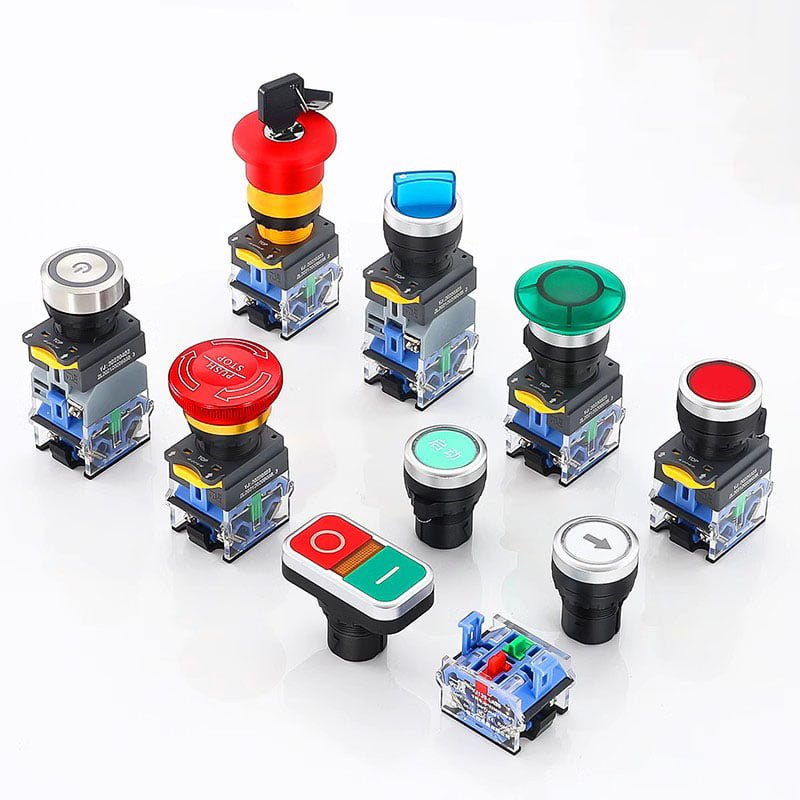
YIJIA’s LA36 range offers modular contact configurations and several operator functions. That makes it a candidate family for the command positions in this example. Select the required contact function and complete assembly, then check the relevant load and input conditions.
For an LA36 candidate, identify the complete operator and contact arrangement proposed for each command position. Check the permitted module combination and its installed depth. The available modular construction can help match the required functions, but only the approved assembly should enter the purchasing record. Extra modules should not be added merely because there appears to be space.
Review the assembly process with the proposed parts. Confirm that fixing and terminal access remain practical after adjacent devices are installed. Consider how a failed component would be replaced under the approved maintenance procedure. The buyer benefit is an operator arrangement that supports both the initial build and later service, with the circuit functions and supplied parts clearly connected in the documentation.
Assess AD16 Indicators for the Required Supply and Display Positions
YIJIA’s AD16 range offers signal-lamp configurations that can be evaluated for the ready and fault positions. Confirm the correct supply variant, dimensions and visibility. A naming table helps interpret the code, but actual availability of the complete combination still needs confirmation.
Using YIJIA operator and indicator ranges in one enquiry can simplify communication about the panel’s interface. The benefit comes from coordinating clearly defined parts, while checking each against its own input, output and mounting requirement.
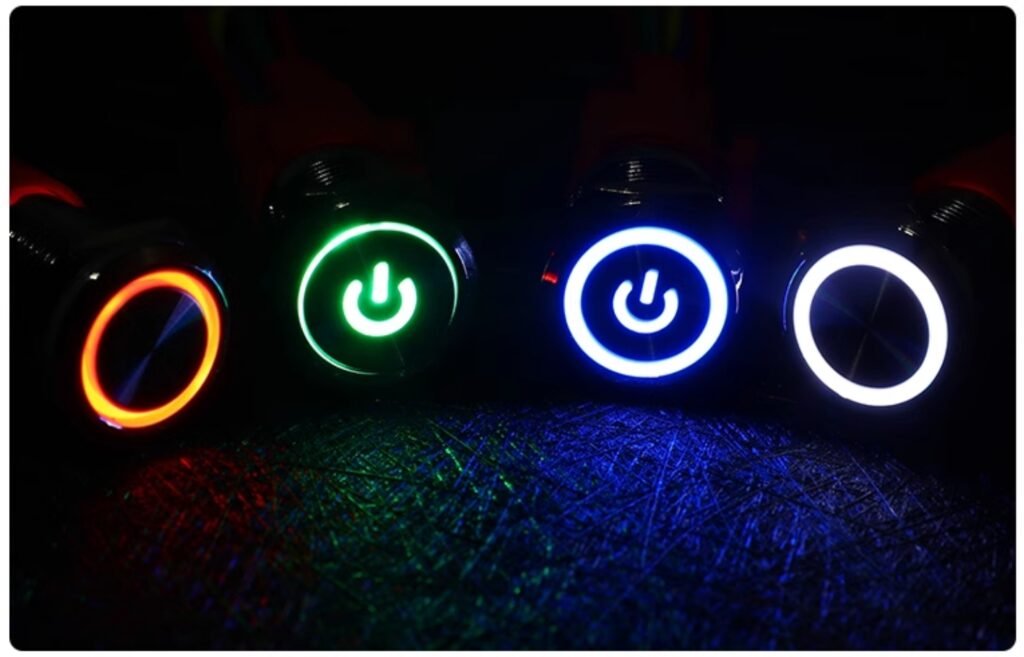
For the AD16 candidates, settle the supply variant, displayed color and complete mounting reference. Review their appearance alongside the selected operators so the interface reads as one coherent panel. Consistency should support meaning: the ready and fault positions must remain easy to identify, even if other illuminated controls are added later.
Send the completed function schedule and proposed BOM to YIJIA as one enquiry package. Ask for any alternatives to be identified by position and explain which requirements are fixed. After sample approval, keep the accepted references with the equipment revision. If the controller, enclosure or operating sequence changes in a later machine variant, review the affected component decisions. This makes the selection method reusable without treating one illustrative panel as a universal prequalified kit.
Frequently Asked Questions
What Information Is Needed Before Selecting Panel Operators?
Provide a function list, input and output details, control supply, panel drawing and operating environment. Define which positions are commands and which indicate feedback. Include ordinary operation and relevant failure behavior before turning the list into complete part codes.
Should a Lit Push Button Indicate a Command or the Actual Machine State?
Either is possible if the meaning is defined accurately. A command indication should be identified as a request or acknowledgement. An actual-state indication needs a signal that represents that state. Do not label a lamp running merely because a start command has been issued.
Can This Selection Example Be Used as a Complete Control Circuit?
No. It is a component-selection example based on stated assumptions. The machine’s input and output wiring, logic, protection and any safety functions need their own engineering and verification. Use the method to prepare a BOM, not as a ready-to-wire circuit.
Request a Control Panel Component Review
Send the Function List and Supply Details with the Panel Drawing
Send YIJIA the panel function list, supply and I/O details, proposed legends and dimensioned layout. Include expected quantity and installation conditions. Request complete operator and indicator candidates with their matching documents so the BOM can be reviewed before sample approval.
Search Metadata
Title: Automation Panel Button and Indicator Selection
Description: Follow a practical automation panel selection example that turns commands and status signals into a defined operator and indicator BOM.
Keywords: automation control panel push button selection, operator function list, indicator BOM
What is a 12v push button switch? The 12v push button switch is a push button switch with an operating voltage of 12v. It is one of the indispensable components in low-voltage application scenarios. It uses the mechanical action of pressing the button to control the on and off of the circuit. With simple operation […]
Metal Signal Lamp.pdf YiJia Metal Signal Lamp Installation dimensions: Φ6/8/10/12/16/19/22/25 mm. Lamp voltage: 3、6、12、24、36、48、110、220V. Wiring mode: screw terminal、pin terminal、10mm wires. The material of the shell: chrome plating of brass、stainless steel、aluminum alloy plating. The material of the lampshade: PC. The material of the terminal: brass. The material of base: PA66. IP degree: IP67. Rugged Materials The […]
16mm metal button switch 5A current: a reliable solution for high load scenariosThis 16mm metal button switch is designed specifically for 5A high load scenarios, with a 316 stainless steel or brass nickel plated housing that combines corrosion resistance and mechanical strength, making it suitable for harsh environments such as chemical, medical, and outdoor equipment. […]
We use cookies to enhance your browsing experience, serve personalised ads or content, and analyse our traffic. By clicking "Accept All", you consent to our use of cookies.