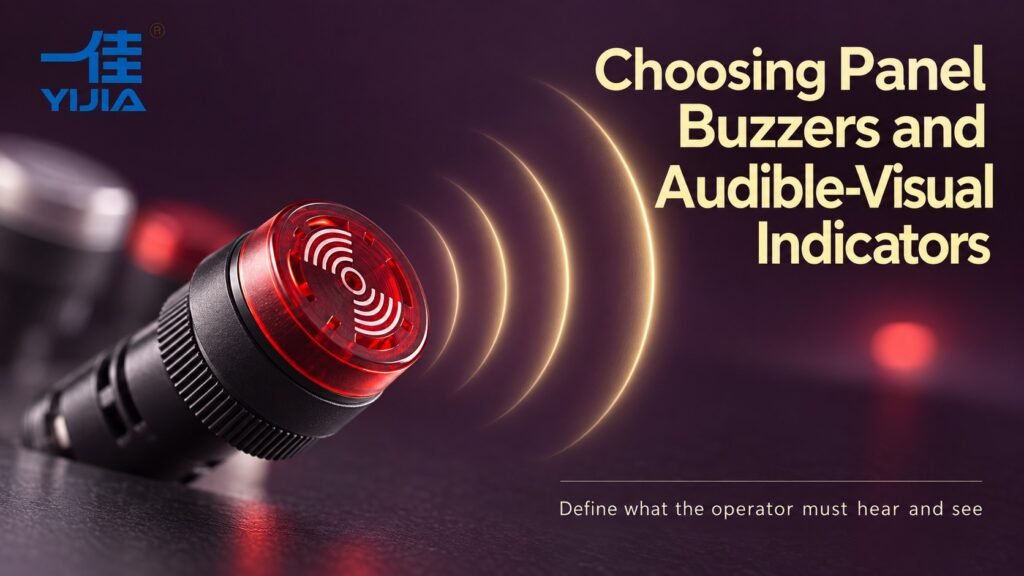
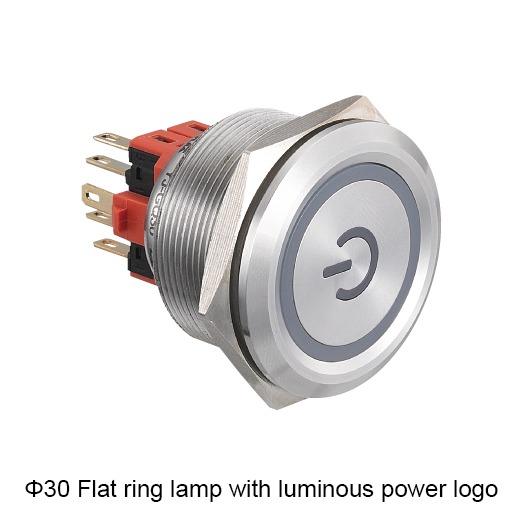
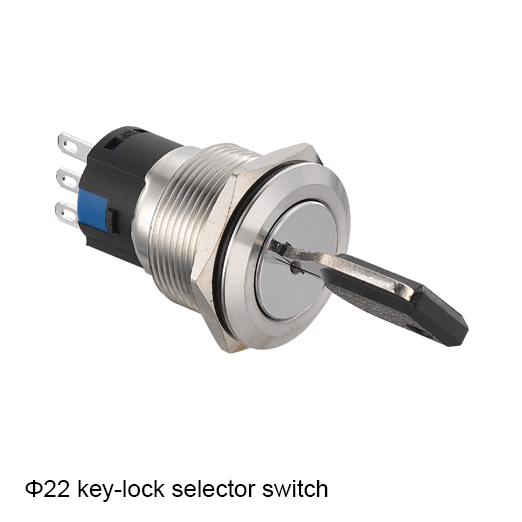
Concept illustration. Use the exact model documents for product details and installation.
Choose a panel buzzer by matching its supply voltage, required alarm behavior and documented sound output to the installation. Add visual indication when the application needs both signals. Confirm the exact model and test conditions, then assess whether the alarm can be perceived in its intended environment.
Match the Panel Alarm to the Required Operator Response
Define the Audible and Visual Signals the Application Needs
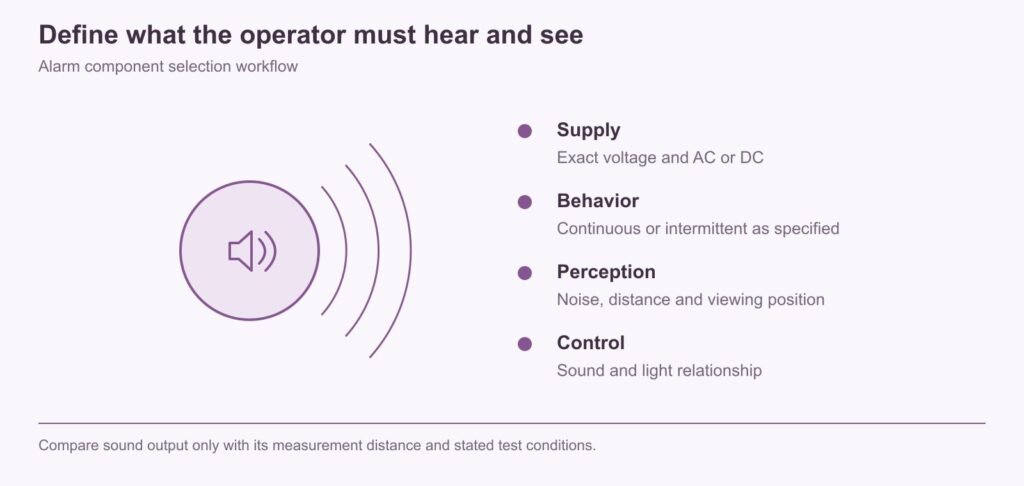
Begin with the action the alarm is meant to prompt. A brief attention signal, a persistent fault warning and a reminder after acknowledgement need different behavior. Define when sound starts, when it stops and what remains visible after it is silenced.
YIJIA’s AD16 range includes buzzer-related options, allowing audible indication to be considered alongside panel lights. The exact model must match the required behavior. A buzzer-shaped head or illuminated lens does not show whether the sound is continuous, intermittent or independently controlled.
Write the alarm sequence before choosing the device. Identify the event that starts the sound, the action expected from the operator and the condition that ends the alarm. Also state what acknowledgement means. Silencing sound, clearing a displayed message and correcting the underlying fault are different events and should not be treated as interchangeable.
Consider the surrounding workplace. If several machines can alarm at once, the operator needs a way to identify which condition requires attention. Sound may draw attention to the area, while a clearly labeled visual signal identifies the source. A combined audible-visual device can be useful when its documented behavior matches this requirement; separate devices may be more appropriate when the control design needs independent sound and light functions.
Technical Checks for Panel Buzzer Selection
Confirm Voltage and AC or DC Supply Requirements
Match the alarm to the actual supply voltage and AC or DC type. Check the source’s available current and the model’s operating conditions. If a controller output drives it, verify that channel’s capability for the complete alarm load.
Keep the buzzer supply distinct from the contact or indicator ratings of neighboring components. A panel using several nominal voltages needs clear identification at each device. A correct physical fit does not protect a buzzer connected to the wrong supply.
Keep the complete supply specification with the buzzer reference. Voltage alone is not enough when AC and DC versions or different internal arrangements are available. Where a controller output is used, obtain the relevant electrical demand and compare it with the output’s capability. Include other loads sharing the same supply arrangement where they affect the available capacity.
Review startup and off-state behavior during the approved commissioning procedure. An electronic output can behave differently from a simple bench supply, so a successful bench sound test does not establish the complete circuit’s suitability. Keep polarity and terminal information where the selected model requires it. Clear identification is especially useful in panels containing several voltages, where a mechanically fitting replacement could otherwise be connected to the wrong source.
Verify Continuous or Intermittent Operation for the Exact Model
Specify the required sound pattern in words before choosing a code. Continuous sound while energized and intermittent sound generated internally are different functions. An externally pulsed supply is another arrangement and requires confirmation that the model and drive circuit are suitable.
YIJIA’s AD16 code information distinguishes buzzer and flicker-buzzer options. Confirm the complete available model and its actual operation rather than assuming all versions provide selectable modes. Include duty-cycle or operating-duration requirements where the alarm may remain active for long periods.
Describe the intended pattern in operational terms. The requirement may be sound while a fault is active, a repeated attention pattern until acknowledgement, or another defined sequence. Then establish whether that pattern is generated by the device or by the controller. This distinction affects wiring, output behavior and the ability to change the sequence later.
Do not assume a pulsed controller output is suitable for an arbitrary buzzer. The device must be appropriate for the proposed supply switching and operating duration. Likewise, a catalogue description of a flicker-buzzer option does not establish every possible sound-and-light sequence. Ask for the complete candidate’s actual behavior and terminal arrangement, then compare them with the written alarm sequence before approving the sample.
Read Sound Output with Its Measurement Distance and Test Conditions
A sound-pressure figure is useful only with the distance, supply, measurement method and other relevant conditions. Do not compare two numbers measured at different distances as though they were equivalent. The enclosure and mounting location can also affect what reaches the operator.
Assess the alarm in its intended environment. Background noise, closed doors, distance and hearing protection can change audibility. Where the alarm supports a critical operating response, define an appropriate assessment rather than assuming that a catalogue sound figure proves it will be heard everywhere.
Use a sound specification as part of a documented assessment. Its measurement distance and operating conditions are essential to interpretation. Two figures with different reference conditions should not be ranked simply by which number is larger. The installed enclosure, sound outlet orientation and intervening structures can also affect what reaches the listener.
Evaluate the alarm at the positions where it must be recognized, under representative workplace noise. Include normal doors, guards and hearing protection where relevant. The aim is dependable recognition of the intended signal, not maximum loudness in isolation. Excessively intrusive alarms can create their own operating problems, while an indistinct sound may be missed. The appropriate assessment should reflect the role and importance of the alarm in the equipment’s operating process.
Check Panel Fit and Separate Sound and Light Control
Check the panel opening, front projection, rear envelope and terminals for the selected model. Make sure the sound outlet is not obstructed by the layout or a later protective accessory. Review the normal listening and viewing positions together.
If sound and light must be controlled separately, require a terminal diagram that supports that arrangement. A combined housing does not guarantee independent inputs. The wiring and control logic must allow the visual status to remain active when the sound is acknowledged, if that is the intended behavior.
Check the complete mechanical installation with the sound outlet unobstructed as required by the selected model. A nearby panel feature, cover or protective accessory can change the result. Include rear connections and service access in the dimensional review so the device can be installed without forcing the wiring or interfering with adjacent controls.
For independent acknowledgement behavior, compare the required circuit with the terminal diagram. If a combined device has only one control path for both functions, the proposed sequence may require a different model or separate devices. Resolve that decision before selecting the enclosure opening. It is easier to choose a suitable arrangement at the design stage than to discover during commissioning that sound cannot be silenced without also removing the required visual indication.
Compare sound output only with its measurement distance and stated test conditions.
Where Combined Audible and Visual Indication Helps
Use Sound to Attract Attention and Light to Identify the Status
Sound can attract attention when the operator is looking elsewhere; a light can identify which condition needs attention. Use each signal for a defined role. Several identical buzzers sounding together may attract attention but still leave the cause unclear.
Selection example: a machine fault triggers an audible warning and a labelled fault lamp. Acknowledgement silences the sound while the lamp remains on until the fault clears. This is a required alarm sequence, not a promise that every combined AD16 device can produce it. Choose independent devices or a confirmed compatible assembly as the control design requires.
In the fault example, record at least the normal state, new-fault state, acknowledged-fault state and cleared state. State what sound and light should do in each one. Then define what happens if another fault appears after acknowledgement. These are control-sequence decisions; the physical alarm components must be selected to support them.
The visual message should identify the condition accurately. A single fault lamp may indicate that attention is needed, while a separate display or label provides more detail. The design should make that relationship understandable to the operator. When sound attracts attention but gives no indication of source, the response can be delayed. Coordinating audible and visual functions is therefore a practical interface task, not simply an opportunity to add two effects to one panel component.
Evaluate the Confirmed AD16 Alarm Options for the Panel Requirement
The AD16 family provides a useful starting point for discussing panel indication and audible options with YIJIA. Identify the supply, sound pattern, visual function and required control inputs in one enquiry. That helps distinguish a simple buzzer requirement from a combined alarm arrangement.
Prepare the YIJIA enquiry with the written alarm sequence, supply details, desired mounting location and listening conditions. Identify whether separate sound and light control is mandatory. Ask for the proposed complete reference and the relevant electrical, terminal and sound-output information. This keeps the discussion focused on the required function rather than on a generic buzzer appearance.
During sample review, test the device in the intended position and record its observed behavior under the agreed conditions. Compare the result with the alarm sequence as well as the mechanical fit. Retain that record for repeat purchasing. If the equipment moves to a noisier area, the enclosure changes or the control sequence is revised, review the affected alarm requirements instead of assuming the original sample approval covers the new installation.
Frequently Asked Questions
Does Every Panel Buzzer Offer Continuous and Intermittent Modes?
No. Confirm the actual operating mode for the complete model. Some arrangements depend on internal circuitry, while others require an external control signal. The product’s appearance or family code alone does not establish selectable sound modes.
How Should Sound Level Be Compared with Background Noise?
Compare documented figures only under equivalent measurement conditions, then assess the installed alarm at the operator’s location. Include background noise, obstructions and hearing protection. A nominal sound-pressure number alone does not establish adequate audibility in the application.
Can the Light and Buzzer Be Controlled Separately?
Only when the selected device and terminal arrangement support separate control, or when separate devices are used. Ask for the wiring diagram and define the acknowledgement sequence before selecting a combined alarm. Do not infer independent inputs from a shared light-and-sound housing.
Confirm Buzzer and Indicator Requirements
Send the Supply and Alarm Behavior with the Installation Conditions
Send YIJIA the supply details, required sound pattern, alarm and acknowledgement sequence, mounting drawing and listening conditions. State whether visual indication must remain after the sound stops. Request the complete available model, terminal diagram and sound-output conditions for review.
Search Metadata
Title: Panel Buzzer and Audible Visual Alarm Selection
Description: Choose a panel buzzer by supply, alarm pattern, sound measurement conditions and the required relationship between sound and light.
Keywords: panel buzzer selection, audible-visual indicators, control panel alarm supply
Installation dimensions: φ19/22MMCurrent: 5A/10A/15A/18AOperation: momentary / latching-cabinet latchIP degree: IP45 (waterproof industrial push button switch)The shell material: brass clad Chromium/stainless steel Want to know more about the product: Metal Push Button Switch Yijia Industrial Control’s metal push button switch series YJ-GQ19/22 IP45 solutions are widely recognized for their high reliability and robust durability. As a […]
Push button switches are a common component in electrical systems, providing a convenient way to control various devices and circuits. These switches are designed to be pressed or pushed, hence the name “push button.” They are widely used in residential, commercial, and industrial settings for applications such as lighting control, motor control, and doorbell activation. […]
Installation dimensions: φ19MMCurrent: 5A/10A/15A/18AOperation: momentary / latching-cabinet latchIP degree: lP40 (waterproof industrial push button switch)The shell material: brass clad Chromium/stainless steel Want to know more about the product: Metal Push Button Switch In modern industrial automation and control systems, metal push button switche are widely used for their reliability and safety. As a renowned supplier […]
We use cookies to enhance your browsing experience, serve personalised ads or content, and analyse our traffic. By clicking "Accept All", you consent to our use of cookies.