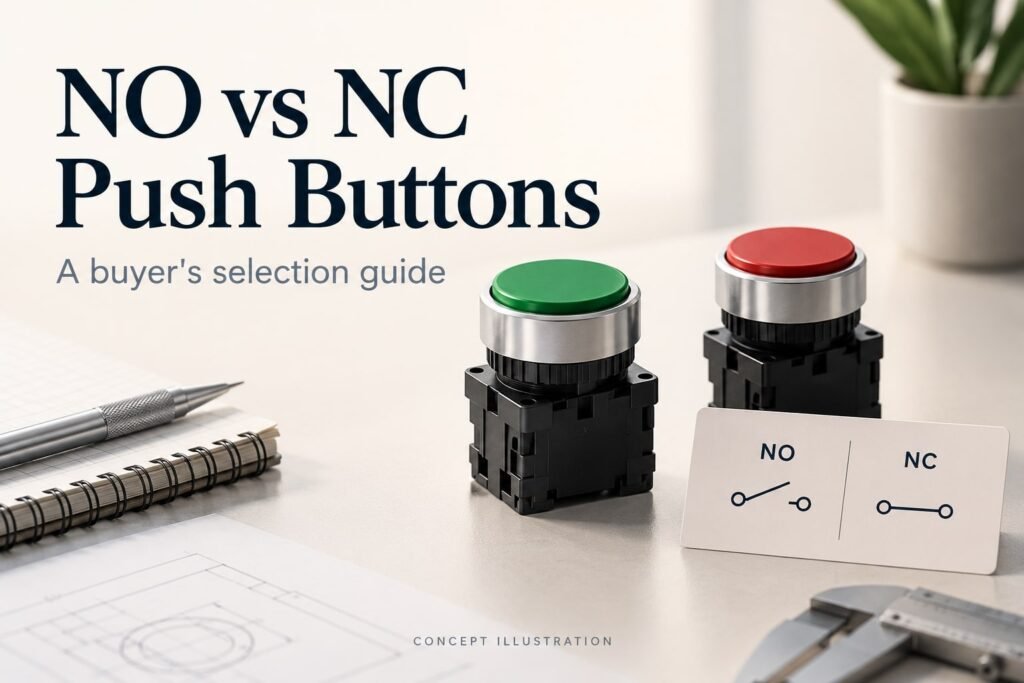
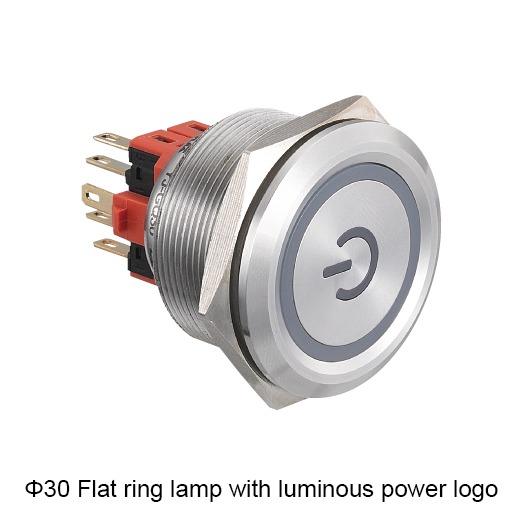
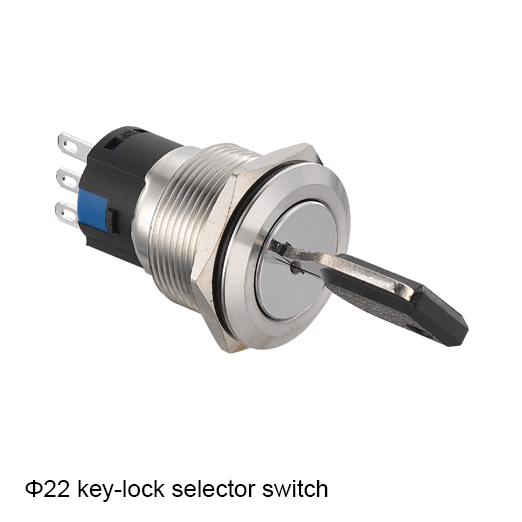
Concept illustration. Button color does not identify the contact arrangement; no specific model is shown.
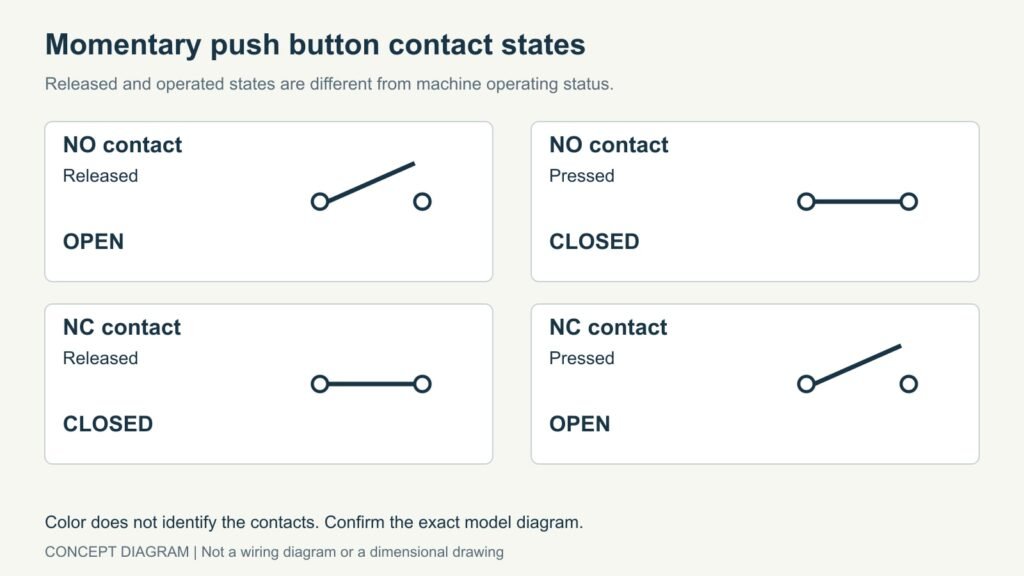
A normally open push button contact is open before the actuator is operated and closes when it is operated. A normally closed contact does the reverse. For a spring-return momentary button, releasing the actuator restores the contact to its original state. Choose the contact arrangement from the circuit requirement, then specify the button’s mechanical action separately.
That distinction matters when a purchasing request says only “a momentary button.” It describes how the actuator returns, but leaves the supplier without the required contact function. A useful request identifies both, such as a momentary button with one normally open contact, along with the mounting and electrical requirements.
Read NO and NC as contact states
The word normal refers to the unactuated reference state used in the manufacturer’s contact diagram. It does not mean that the machine is running normally, that the power is on, or that the operator considers a condition safe. Read the diagram for the exact assembly rather than assigning a function from the button’s color.
The comparison below describes ordinary momentary contacts. It is a contact-state reference, not a machine wiring diagram.
Contact arrangement
Actuator released
Actuator pressed
Purchasing description
1NO
Contact open
Contact closed
One normally open contact
1NC
Contact closed
Contact open
One normally closed contact
1NO1NC
NO open and NC closed
NO closed and NC open
One contact of each type with the exact diagram confirmed
Concept diagram for purchasing review. Use the exact model documentation for approval.
For a maintained or latching assembly, check the manufacturer’s reference state and the complete set-and-reset sequence. Releasing your finger does not necessarily return the mechanism. Do not apply the momentary table to every latching device without checking its documentation.
Keep mechanical action separate from contact arrangement
Momentary and maintained describe what the actuator does after operation. NO and NC describe electrical contacts. One does not determine the other. An illuminated button adds a further requirement: the lamp circuit and its supply.
For example, an equipment drawing may call for a momentary operator that closes an input circuit while pressed. That describes a momentary NO requirement. Another drawing may require an input circuit to open when the same kind of operator is pressed. That describes an NC requirement. The final machine behavior still depends on the circuit or controller receiving the signal.
A momentary command can initiate an action that continues after release if the approved control system is designed that way. It is therefore misleading to assume that the machine always stops when a momentary button is released. Purchasing should use the approved contact requirement, not infer it from how long the machine runs.
Understand what 1NO1NC does and does not specify
The notation identifies one normally open contact and one normally closed contact. It does not, by itself, establish a shared common terminal, the terminal numbers, the timing between contact changes, or a particular changeover construction. Request the circuit symbol and terminal arrangement for the quoted model.
This becomes especially important when replacing a component. A familiar front appearance and the same number of rear terminals do not prove an equivalent connection. Lamp terminals can also be mistaken for switch terminals when a buyer works from photographs alone.
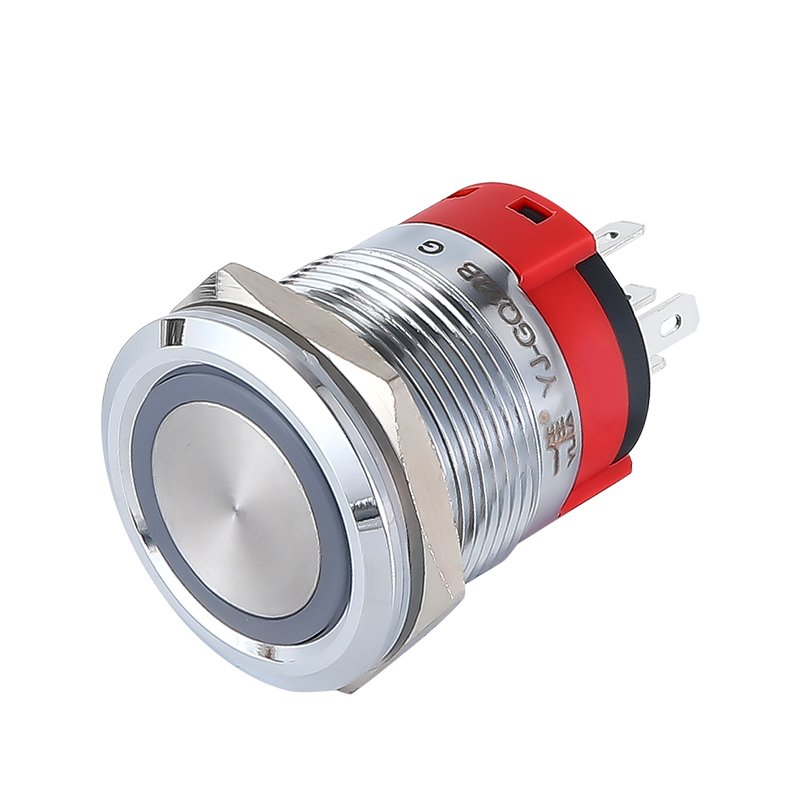
The YIJIA LA16 product information lists contact arrangements including 1NO1NC and 2NO2NC. Use those listings to identify candidates, then confirm the combination with the required action and lamp option. A family-level option list is not confirmation that every possible configuration can be ordered.
Match the contacts to the actual load
Correct NO or NC behavior is only one part of selection. The contacts must also be suitable for the circuit voltage, AC or DC supply, current and load characteristics. A current figure published for one duty should not be transferred to a different duty without supporting data.
For a controller input, include the input requirements and review contact suitability at the intended signal level. For a larger load, have the equipment designer establish the switching arrangement and applicable rating. The separate guide to contacts for PLC inputs and low-current signals addresses that selection question in more detail.
Do not use this contact-state comparison to approve an emergency-stop or other safety-related function. NC alone does not establish a safety-rated assembly or a validated safety circuit. The device construction, control architecture and applicable equipment requirements need their own engineering review.
Give the supplier a complete contact requirement
An effective inquiry separates the information into fields that can be checked against a drawing:
Required action, such as momentary or maintained.
Contact arrangement and the required states during operation.
Circuit voltage, supply type, load and quantity.
Mounting opening, panel thickness and available rear space.
Lamp supply and color if illumination is required.
Existing model markings or the relevant drawing for a replacement.
Ask the quotation to identify the full proposed model and matching contact diagram. If a requirement is unknown, mark it as unknown instead of completing a code from a similar product. Once the candidate is selected, keep the approved reference with the equipment documentation for repeat orders.
For the LA16 family, the contact and LED connection guide helps separate lamp and contact requirements. The exact model documentation remains the reference for installation by qualified personnel.
Turn a contact requirement into a usable quotation
Imagine a panel builder asking three suppliers for a green momentary button. One offer includes a single normally open contact, another includes a normally open and a normally closed contact, and the third describes only the actuator. The prices cannot be compared fairly until the supplied assembly is defined. Color and return action have not established the number of contacts, the lamp requirement or whether all necessary parts are included. This is an illustrative purchasing example, not a customer case.
Start with the equipment drawing and describe the required states in words. If an input must become connected while the actuator is held, record that requirement beside the proposed NO contact. If a second circuit must open during the same action, identify that circuit separately. Engineering should decide whether the selected assembly provides the required functions and whether any switching sequence matters. Purchasing should not add an extra contact merely because a supplier has it in stock.
Keep the contact requirement distinct from the quantity of physical operators. Ten buttons with two contacts each are not the same order as twenty single-contact buttons. Similarly, a listing for a contact element may not include the actuator, fixing parts or lamp. Ask each offer to identify the complete supplied item and any separately ordered components. That makes a price comparison useful and reduces the risk of discovering missing parts during panel assembly.
Compare documentation before evaluating a sample
A sample review needs a reference. Record the candidate’s full model, contact diagram and drawing revision before any evaluation. If the sample marking differs from the quotation, resolve the difference first. A sample with the expected behavior does not prove that a differently specified production item will provide the same result. Photographs of the sample and its packaging can support identification, but the approved component description should remain the controlling record.
The equipment team’s check should distinguish mechanical operation from electrical contact behavior. A button can return normally while the connected circuit behaves unexpectedly for another reason. The reviewer should compare the documented contact states and terminal identification with the applicable equipment procedure. Inspection and electrical checks belong with qualified personnel using an appropriately isolated and safe setup; the purchasing checklist does not authorize testing an energized installation.
Where more than one contact is used, ask whether the application depends on a particular change sequence. The label 1NO1NC alone does not state that sequence. If the design requires an early-opening, late-closing or otherwise defined relationship, it must be supported by the exact manufacturer’s documentation. Without that evidence, record the requirement as unresolved rather than treating two contact labels as proof of timing.
Keep the acceptance result specific. A record might state that the selected sample matched its drawing and the defined input function in the reviewed setup. It should not claim that the entire product family has been validated or that the same assembly is suitable for every control circuit. This boundary makes the record useful when the equipment or load changes later.
Avoid three common ordering ambiguities
The phrase “normally off button” is ambiguous because it can refer to an open contact, an unlit lamp or a machine that is stopped. Replace it with separate descriptions for the contact state, lamp behavior and control function. A supplier can then identify which part of the assembly each requirement applies to. This also helps when different people prepare the electrical drawing, component list and purchasing request.
“Two terminals” is not a complete contact specification. It may narrow an identification exercise, but it does not establish the required action, electrical rating or exact terminal function. An illuminated assembly may have additional connections that serve the lamp rather than another switch contact. Request a labeled rear view and the matching circuit diagram when the identification is uncertain.
“Same as the last order” can also conceal a change. A previous machine may have used a different controller input, lamp supply or panel arrangement. For repeat purchases, retain the approved full reference and state any change to the application. If the supplier proposes an alternative, compare the changed fields explicitly. A familiar series name is not a substitute for confirming the exact assembly.
These checks are particularly valuable when the front panel uses visually identical operators for different commands. Stores and assembly staff need distinguishable item references so that a NO-only device is not confused with an assembly containing another contact arrangement. Keep the approved diagram accessible with the stock record rather than depending on memory of the original purchasing discussion.
Frequently asked questions
Is a momentary switch always normally open
No. Momentary describes its return action. The contact arrangement may be NO, NC or a combination, depending on the selected assembly.
Does an NC contact mean the machine is switched on
It means the contact is closed in its defined unactuated state. What the machine does with that circuit condition depends on the control design.
Can I identify the contacts from the button color
No. Color may help identify an intended panel function, but it does not establish the internal contact arrangement. Use the model marking and contact diagram.
Can a lit button show that a contact has changed
Only if the approved circuit makes that relationship meaningful. A lamp powered from a separate supply can be on independently of the switch contacts. Identify the signal that controls the lamp.
Request a contact configuration quotation
Send the required action, NO/NC arrangement, circuit details, mounting size and quantity through YIJIA’s inquiry page. Include the lamp supply if needed and ask for the complete model reference and corresponding contact diagram. This lets the quotation address the intended assembly rather than an unspecified “push button.”
Yijia starter button Flat Ring lamp stainless steel 5-pin metal push button switch YJ-GQ22BF-11E/N YJ-GQ22BF-11EZ/NInstallation dimensions: φ22MMLamp type: Flat Ring lampRated voltage and current: 250VAC 5AOperation: momentary switch/ latching switchLED color: Red Green Blue Yellow WhiteLED contact: 1NO1NC(5-pins) / 2NO2NC(8-pins)LED voltage: 1.8V、3V、6V、12V、24V、36V、48V、110V、220VShell material: Brass-clad Chromium/Stainless steel/ Aluminum alloy plating Request A Quote See More This […]
Yijia Product Brochure.zip In the field of industrial production, the degree of automation is getting higher and higher, and industrial robots, as an important production tool, have been widely used in various industries. In order to meet the demanding control requirements of industrial robots, Yijia has introduced the GQ12 series of push-button switches designed specifically […]
A motion sensor push button can make sense when operators need to issue a deliberate command without touching the control surface. The best choice is the one that recognizes an intended hand approach, rejects surrounding activity and delivers the signal the controller expects. Detection range, output behavior and installation conditions should therefore lead the buying […]
We use cookies to enhance your browsing experience, serve personalised ads or content, and analyse our traffic. By clicking "Accept All", you consent to our use of cookies.