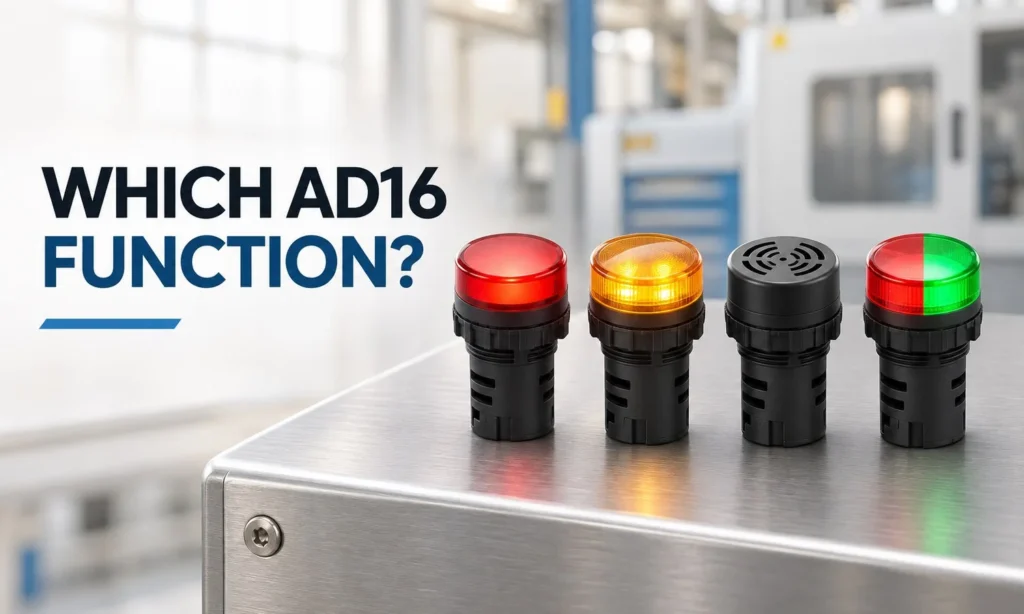
Select the AD16 function from the message that the equipment must communicate. A steady lamp, flashing lamp, buzzer, combined sound-and-light device and dual-color indicator do not provide the same operator information. The most noticeable option is not automatically the correct one.
YIJIA’s AD16 product page includes function codes for standard indicators, short indicators, buzzers, flashing lamps, flashing buzzers and dual-color lamps. The page helps buyers identify available function families, but it also warns that some model-code combinations do not correspond to actual products. Each complete model must be confirmed.
Define the Message and Required Response
Write the condition in plain language before choosing a device. State what happened, who needs to notice it and what action should follow.
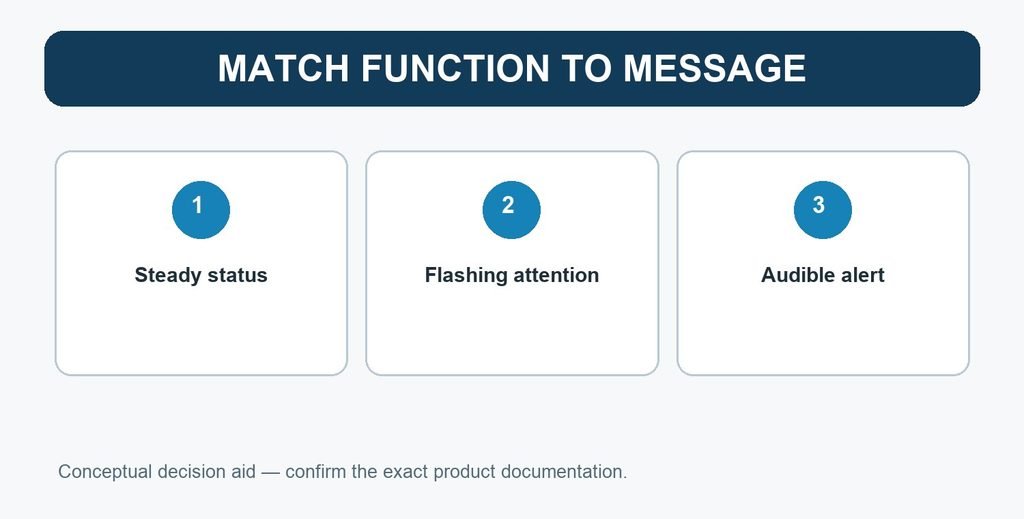
Conceptual decision flow; confirm the exact model documentation.
A normal operating state may need a steady visual indication. A condition requiring attention may justify a flashing signal. An event that must be noticed without continuous visual attention may require an audible element, subject to the equipment environment and applicable requirements.
Avoid using “alarm” as the entire specification. Different alarms can have different urgency, persistence and acknowledgment behavior.
Use a Standard Steady Indicator for Persistent Status
A standard indicator is appropriate when the operator needs to see a stable equipment state. Examples include power available, a function enabled or a machine state confirmed by the control system.
The exact meaning comes from the panel design, not from the lamp itself. Define the color and legend, then confirm the supply and complete AD16 model.
A steady lamp should not be used as proof of a machine state unless the control circuit is driven by the appropriate feedback signal.
Consider a Short Indicator When Rear Space Matters
The model explanation lists DS as a short signal-lamp type. A buyer considering this form should compare the exact front and rear dimensions with the panel layout.
Do not assume that the short version has every function, color and voltage option available in the standard form. Ask YIJIA for the specific model and drawing.
The selection should also preserve terminal access and wiring space. Reduced component depth does not remove the need for a complete installation check.
Use Flashing Only When the Change Adds Meaning
The AD16 page identifies S as a flashing type. Flashing can draw attention, but excessive or poorly coordinated flashing can make a panel harder to interpret.
Define when flashing begins, whether it continues until acknowledgment and what steady state follows. These are system-control decisions. The product provides the indication function but does not define the alarm sequence.
Request the exact flashing model and its documented behavior. Do not invent a flashing frequency from the general product page.
Consider a Buzzer for Attention Beyond the Viewing Direction
The model explanation lists M as a buzzer type. An audible signal can alert an operator who is not looking at the panel, but it must suit the actual environment.
Describe the background noise, operator location, required duration and acknowledgment method. The website does not provide a universal sound-pressure value for every buzzer model, so request the applicable data.
Do not claim audibility at a distance without test conditions. Panel mounting, enclosure construction and ambient noise affect the result.
Evaluate Flashing Buzzer Functions Carefully
The code SM is presented as a flashing-buzzer type. A combined signal may be useful when both visual and audible attention are required, but it can also be excessive for routine conditions.
Define which events justify the combined signal. Confirm whether the sound and light operate together and how the exact model is connected.
Do not infer timing, sound pattern or reset behavior from the code alone. Obtain the product information and integrate the device into the equipment alarm logic.
Use Dual-Color Indication for Two Defined States
The AD16 page lists SS as a dual-color lamp type. A dual-color indicator can represent two defined conditions at one panel position when that arrangement is clear to the operator.
State both colors, both meanings and the source signals. Confirm the exact connection diagram because the page warns that incorrect connection of an AC dual-color lamp can damage it.
Do not use a dual-color device merely to save panel space if separate labeled indicators would be clearer.
Keep Supply Selection Separate from Function
After selecting the indication function, confirm AC, DC or AC/DC supply, nominal voltage and AC frequency where applicable.
The function code and voltage option must be available together. A model table that lists both items separately is not proof of every possible combination.
Ask the supplier to return the complete product code and connection information rather than accepting a function name alone.
Coordinate Color and Panel Legends
Color supports the message but does not replace a label. Record the meaning assigned to each color in the panel documentation.
Apply the relevant project and market requirements. Do not present one color-state mapping as universally valid for all equipment.
For dual-color or multi-indicator arrangements, test whether an operator can distinguish the intended states in the actual viewing environment.
Plan Acknowledgment and Reset Behavior
The system designer should determine whether an alarm remains active, can be silenced, requires acknowledgment or clears automatically. These behaviors may be controlled outside the indicator.
Do not attribute controller logic to the AD16 device unless the exact product documentation supports it. The article should keep the component function and system function separate.
Include the required behavior in the machine functional description so commissioning can verify the complete alarm sequence.
Review Installation and Maintenance
Confirm the mounting size, rear clearance, terminals and replacement access for the selected model. A buzzer or combined device may differ from a standard lamp.
Record the full model and connection diagram in the bill of materials. If a future replacement changes the function, treat it as an engineering change.
During maintenance, distinguish a failed indicator from a missing input signal or control-logic condition.
Test the Message in the Completed Panel
Commissioning should verify more than whether the device activates. Confirm that the correct condition produces the correct visual or audible message.
Test each defined state, transitions between states and the required acknowledgment behavior. Record the test conditions for audible devices.
If the result is unclear or distracting, revise the information design rather than increasing intensity without analysis.
Avoid Alarm Overload
When every condition flashes or sounds, operators may struggle to identify the event that requires immediate action. Assign the strongest indication only to conditions that justify it under the equipment’s alarm philosophy.
Group related messages consistently and separate routine status from warning and fault conditions. The AD16 function code identifies the hardware option; it does not determine alarm priority.
For audible devices, consider who can hear the signal and whether several machines could produce confusing sounds in the same area. Request the applicable product information and evaluate the completed installation.
Control Changes After Approval
Record the approved function, color, supply and connection with the complete model. If a future quotation proposes a steady lamp instead of a flashing version, or a buzzer instead of a combined device, treat the proposal as a functional change.
Repeat the panel-information review and commissioning test after a change. A substitute that fits the same opening may communicate a different message or require different wiring.
RFQ Checklist
Condition to be communicated.
Required operator response.
Steady, flashing, buzzer, combined or dual-color function.
Required colors and meanings.
AC, DC or AC/DC supply and nominal voltage.
AC frequency where applicable.
Mounting size and available panel depth.
Connection diagram required.
Quantity and destination.
Document the Chosen Alarm Hierarchy
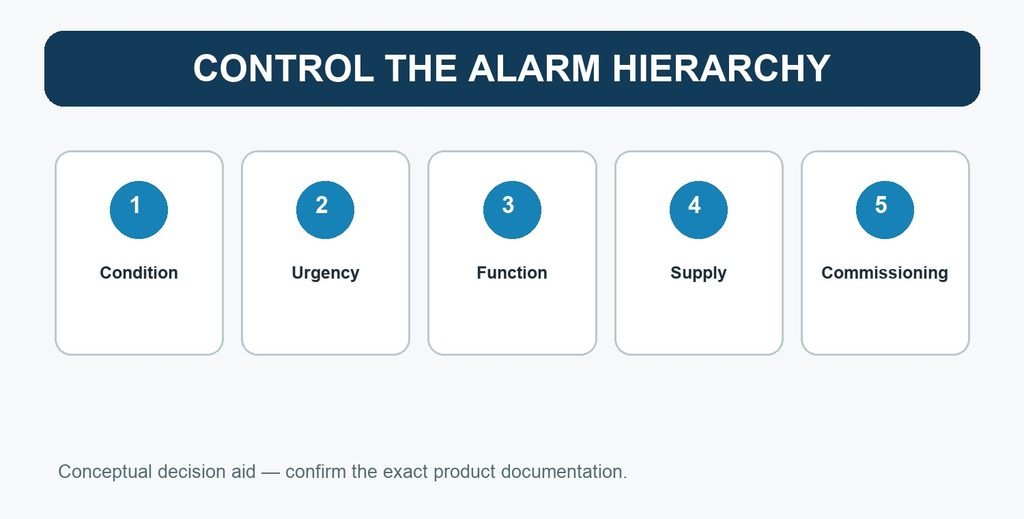
Record why the selected condition uses a steady lamp, flashing lamp, buzzer, combined device or dual-color indication. Keep the reason with the machine functional description and product code.
When a later design adds another alarm, compare it with the existing hierarchy instead of selecting the most noticeable device independently. Consistent alarm levels reduce operator confusion and make commissioning repeatable.
Document who approved the alarm hierarchy and which operating scenario was used during the final panel test. Keep that record with the selected model.
Conceptual procurement checklist; not a product test or installation drawing.
Frequently Asked Questions
Is a flashing lamp always better for alarms?
No. Flashing should add useful urgency or attention. Routine states may be clearer with steady indication.
Does the M code define the buzzer sound level?
The general model explanation identifies a buzzer function but does not establish a universal sound-pressure value. Request the exact model data.
Can any AD16 voltage be combined with every function?
Do not assume so. The product page notes that some code combinations do not have actual products.
Why does the dual-color connection diagram matter?
The AD16 page warns that incorrect connection of an AC dual-color lamp can damage it. Use the exact confirmed diagram.
Should one device communicate several unrelated alarms?
Only if the information remains unambiguous. Separate labeled indicators may be clearer for unrelated conditions.
Discuss Your Requirements
Send YIJIA the alarm condition, required function, colors, supply, mounting requirement and quantity. Request a confirmed AD16 model, dimensional information and connection diagram.
What is a traffic light A signal light is an optical signaling device used to convey information or warnings. It expresses specific information to the observer through different colors, flashing or continuous light. These devices are widely used in a variety of environments and occasions, such as traffic control, industrial production lines, safety warning systems, […]
If you work in industrial automation, HVAC, machinery, or power distribution, you have probably asked this question: “Should I use an AC relay switch or an AC contactor for this project?” For many B2B buyers, this choice directly affects safety, reliability, and maintenance cost over the life of the system. The problem is that relays […]
Installation dimensions: φ19MMCurrent: 5A/10A/15A/18AOperation: momentary / latching-cabinet latchIP degree: lP40 (waterproof industrial push button switch)The shell material: brass clad Chromium/stainless steel Want to know more about the product: Metal Push Button Switch With the continuous development of industrial automation, higher demands are placed on the operational safety, reliability, and refined management of control systems. Yijia […]
We use cookies to enhance your browsing experience, serve personalised ads or content, and analyse our traffic. By clicking "Accept All", you consent to our use of cookies.